When you have purchased the DFY POM, you will need to submit your details to the technical team so that they can log in on your behalf and complete your setup.
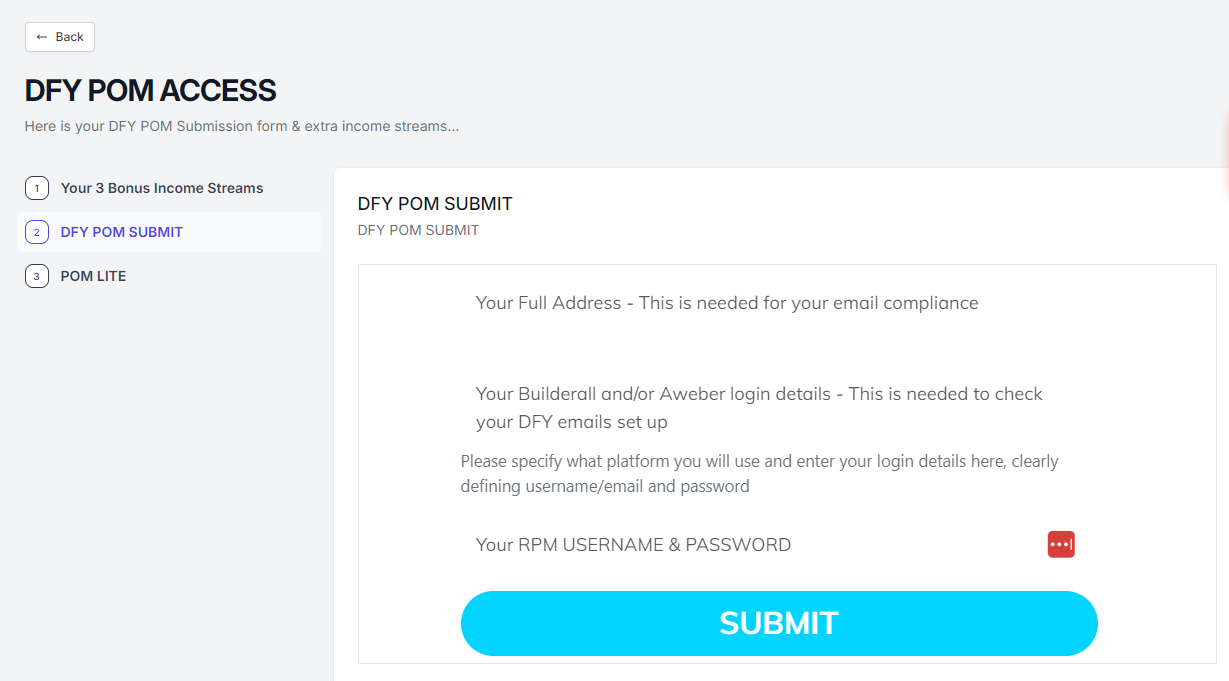
You can access your DFY POM purchase in the RPM dashboard under My Products & Training, then fill in all the information requested on the form and submit it. Please allow up to 5 working days for it to be completed.
Please be sure to confirm which autoresponder you would like to use. You have the choice between AWeber and Builderall. You need to specify which one you want us to set up.
You must provide us with the correct credentials so that we can sign into your account. If you do not provide these, we will need to get back in touch, and you will need to be re-added to the queue.
Please ensure you provide all the information requested on the form. If you are unsure of any of the information, please ask support rather than submit the form with missing information.
You will receive an email from support@tayloryourbestlife.com to confirm that it has been done.